
Sebastian Wallin
SYSTEMS & TECH
GAME DESIGNER
Work in progress...


Responsibilities & Roles:
Management:
My responsibilities included data organization, perforce and I was the tech lead.
System design and implementation:
I was responsible for the health system, element system and spacial UI on entities, among other things.
The Game:
Cosmosis is an action-adventure game set in a dystopian post-apocalyptic world consumed by cultists and eldritch horrors.
As a starslinger, wield the elemental power of the stars to stand against them and reclaim what remains of a dying world beset by darkness.
Designed for a co-op experience but playable solo; Cosmosis blends dynamic combat, strategy and teamwork in a fight against a greater evil.
Game Project Theme and Constraints:
The challenge of this project was to make a game inspired by a song. We had four songs to chose from, and we chose Wandering Star, by Portishead. Using that as our main pillar for the game, we dug into the lyrics, and looked into different uses of the term wandering star.
A "wandering star" can be several things:
-
In the bible, signifying immoral people only caring for themselves, people doomed to darkness, preying on others.
-
In historical astronomy, a planet (meaning wanderer, looks like a star but will not remain in the same place on the night sky)
-
In modern astronomy it refers to a very old literal star, that exists between galaxies.
-
Indian traditions, a gods vehicle moving through the cosmos, symbolizing freedom and exploration.
From the lyrics we took inspiration from lines such as:
-
"Please could you stay awhile to share my grief" → which we associated with "Stay awhile an listen" from Diablo games.
-
"And the masks, that the monsters wear, to feed, upon their prey"
With this as inspiration our concept is featuring:
-
Mechanics and Systems inspired by games like Diablo, Hades and Magica
-
Narrative with Cosmic horrors twisting the minds and bodies of people.
-
Cultists sacrificing the world for their own selfish rewards.
-
Dark and gritty setting where most people have turned into horrors or died.
-
The player/players being the last hope in this otherwise doomed world.
-
Powers from beings claiming to be actual Stars.


2025

4 weeks

9 members

Summary of Contributions
Balancing
Responsible for testing and balancing the values of our player abilities and elements. Also making a level for testing purposes.
Setting
Responsible for coming up with ideas for a backstory and a more detailed setting after we together made a base concept.
The Health and Element systems
To make health and element systems easy to use, I made:
-
A function library that covered most use cases.
-
Components covering different parts of the systems, that also worked alone by themselves.
-
Event dispatchers from the different components to make it easy to update relevant behaviors and UI.
The Function Library:

The function library consists of 5 functions:
-
Damage Actor
-
Kill Actor
-
Heal Actor
-
Revive Actor
-
Element Damage and Effect to Actor
The last function covers all cases for dealing damage and applying element effect, to make it easy for anyone making abilities, attacks or hazards. While "Damage Actor" was used early on before the element system was usable.
My early plan and thoughts about the element system, from Miro:
(click to make bigger)

My early plan and thoughts about the element system, from Miro:

Element Damage and Effect to Actor:
Damage Actor:
Kill Actor:
Heal Actor:
Revive Actor:
The Element Master Component:

This component is there to, spawn, initialize and keep track of almost everything that is needed for full use of the element system on an entity. It has event dispatchers covering every relevant update.
Initially it was made to also cover all the interactions between elements, but I later moved those to the individual elements themselves, to enable interactions even if only specific parts of the system were in use.
Begin Play:
Call Element Event Dispatcher:
Toggle Invincibility:
The Health Component:

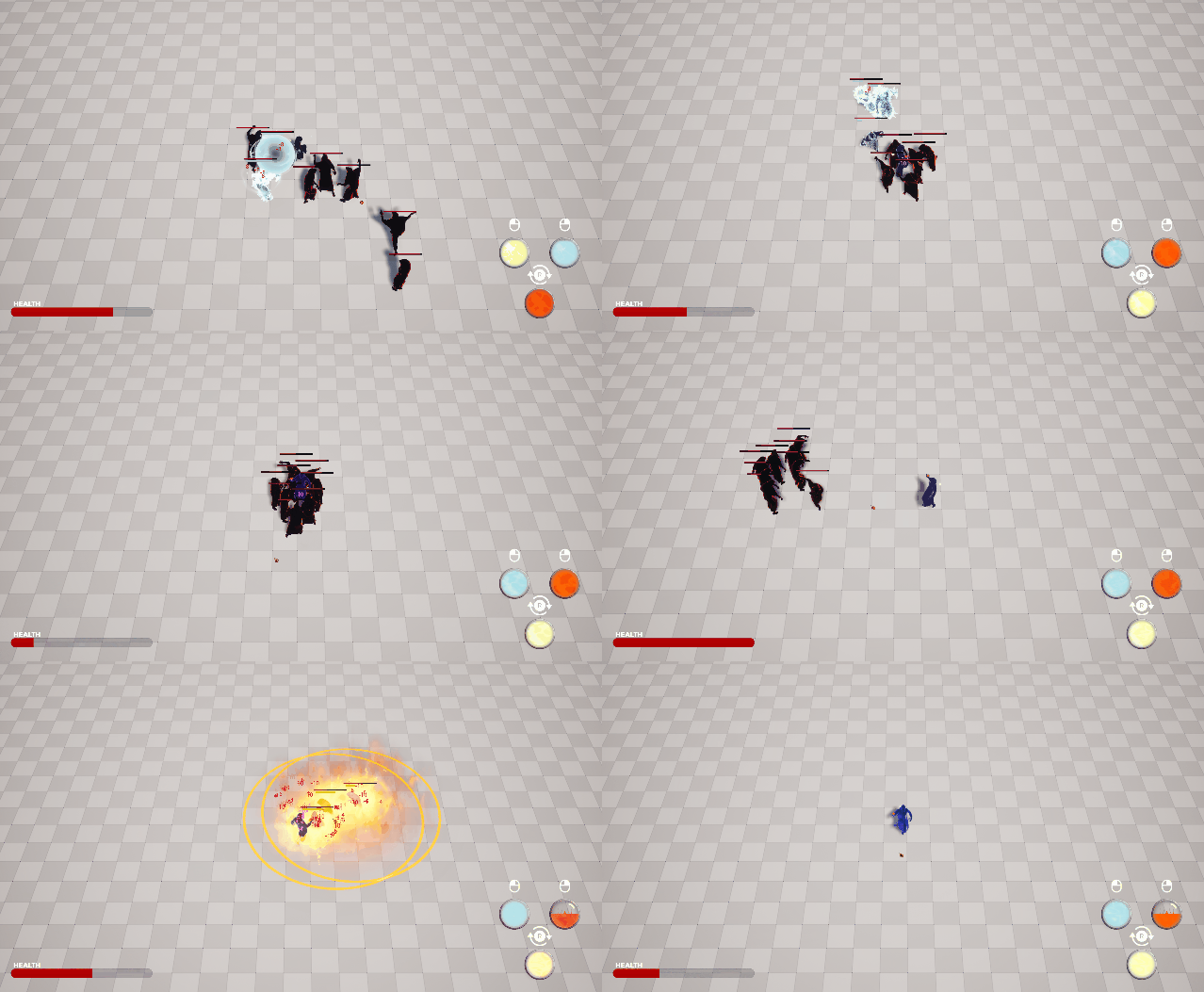
The health component keeps track of health and contains functions to alter health, deplete health, revive health, and activate a short invulnerability, as well as necessary set and get functions.
It also has event dispatchers for any health updates and death that is used by UI and responding behaviors.
Alter Health:
Deplete Health:
Revive Health:
Activate invulnerability:
Stun Manager Component:

A component that keeps tracks of and decides if a character is stunned, shocked or frozen, and if these states are interrupted.
It applies the effects, stopping enemies from functioning entirely and changing their animations according to the effect.
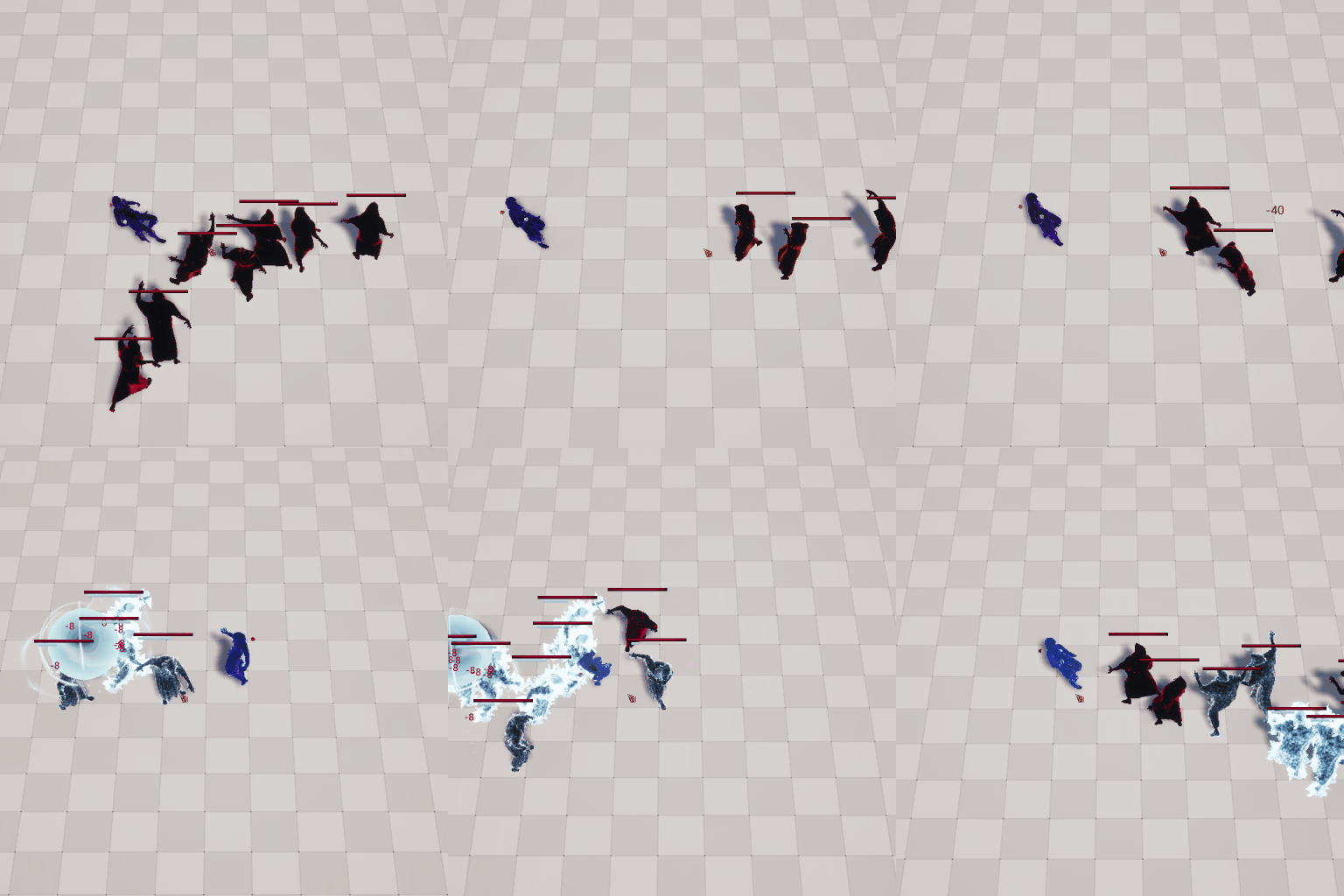
Stun Character:
The Element Response Base Component:
A base component class for the different elements to host shared variables and functionalities, such as reducing element effect build up over time and keep track of how big of an effect should be applied on the entity. It holds a function for updating element specifics, that is overridden by each element.
It currently holds a function checking for extra damage conditions that includes interactions with another element, but this being changed into a function that will be overridden by each individual element, to allow more complicated and interesting interactions.
Add Element Accumulation:
Tick (Turned on and off as needed):
Extra Damage Conditions:
Replicated Impact Effect:
Max Out Element Accumulation:
The Elements:
Our plan was always to have at least 6 elements available to the player and we all agreed that we should start out with fire and ice to get some contrast and from there see what else could work.
The total ended up being 10 different elements, 6 for the player, 1 extra for the enemies, 2 that could be applied by the environment and 1 that appear only through Interactions between certain elements.

Player Ability Elements
Fire

Ice

Lightning

Wind

Earth

Light

Fire:
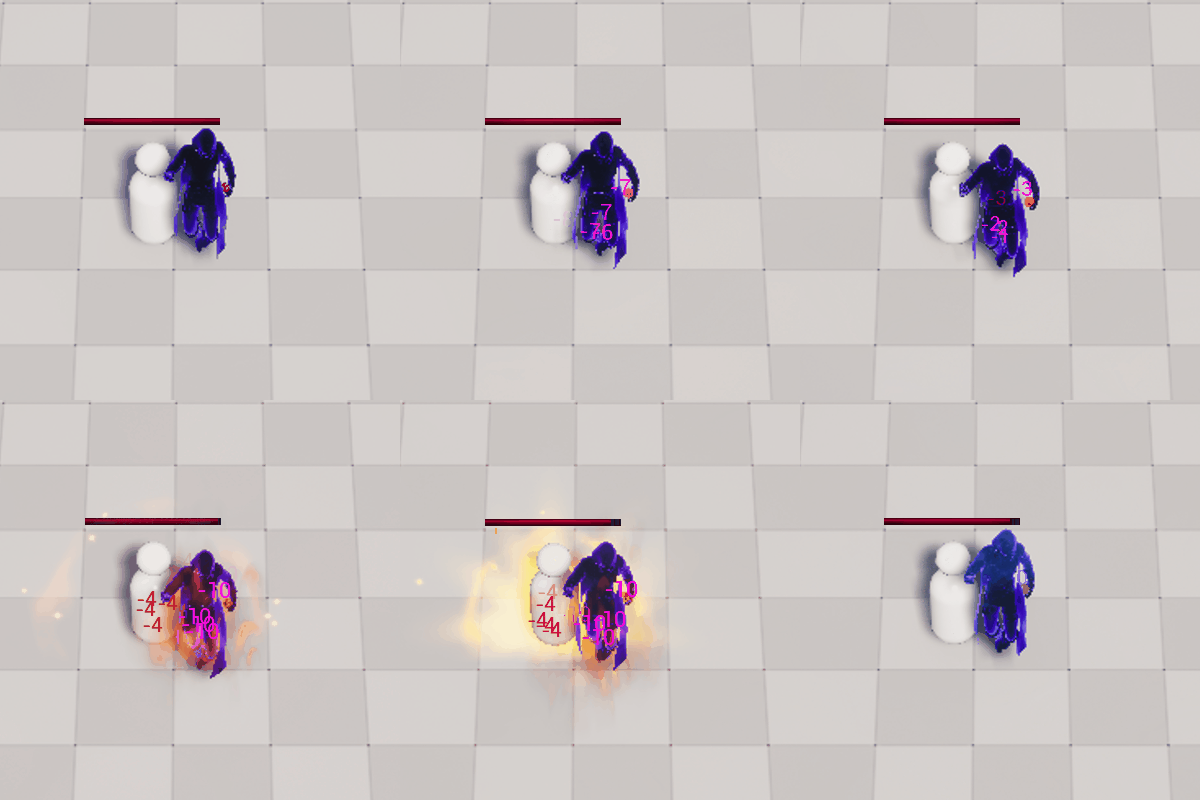
The fire effect build up causes damage over time. If an Entity's build up is maxed out they also start damaging other entities in a small area around them. This AoE damage is handled by a child actor called "BP_Ablaze".
Ablaze Actor
The AoE damage does not contribute much to other entities buildup, as that turned out to be overpowered vs hordes. In the first iteration of this feature the fire spread too easily and would end up burning down all the enemies chasing the player as they just kept setting each other on fire.
Update Fire Specific:
BP_Ablaze - Event Graph:
BP_Ablaze - Burn Surroundings:
Ice:
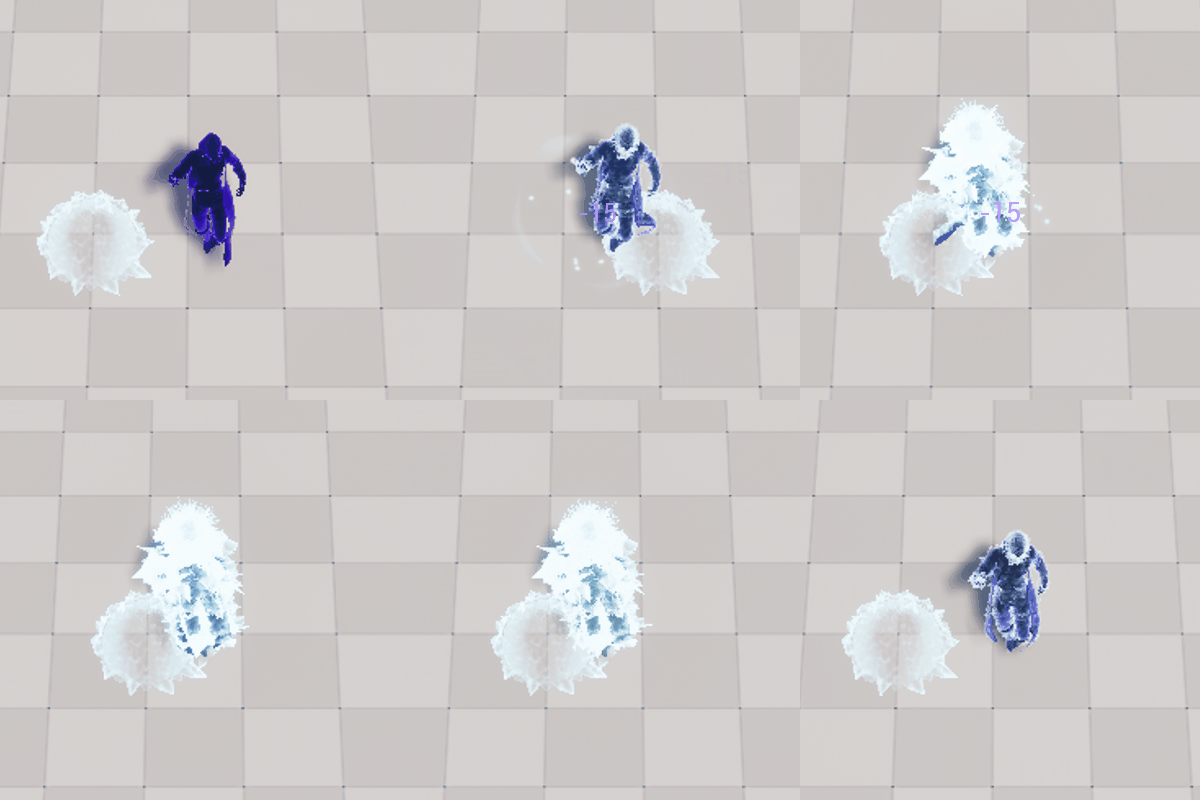
The Ice elements slows down an entity depending on how much their build-up bar is filled. When the build-up is maxed out they become frozen solid.
While frozen solid, the entity is protected from further build-up until they are able to move again. This was to prevent this feature from being too powerful.
Update Ice Specific:
Lightning:
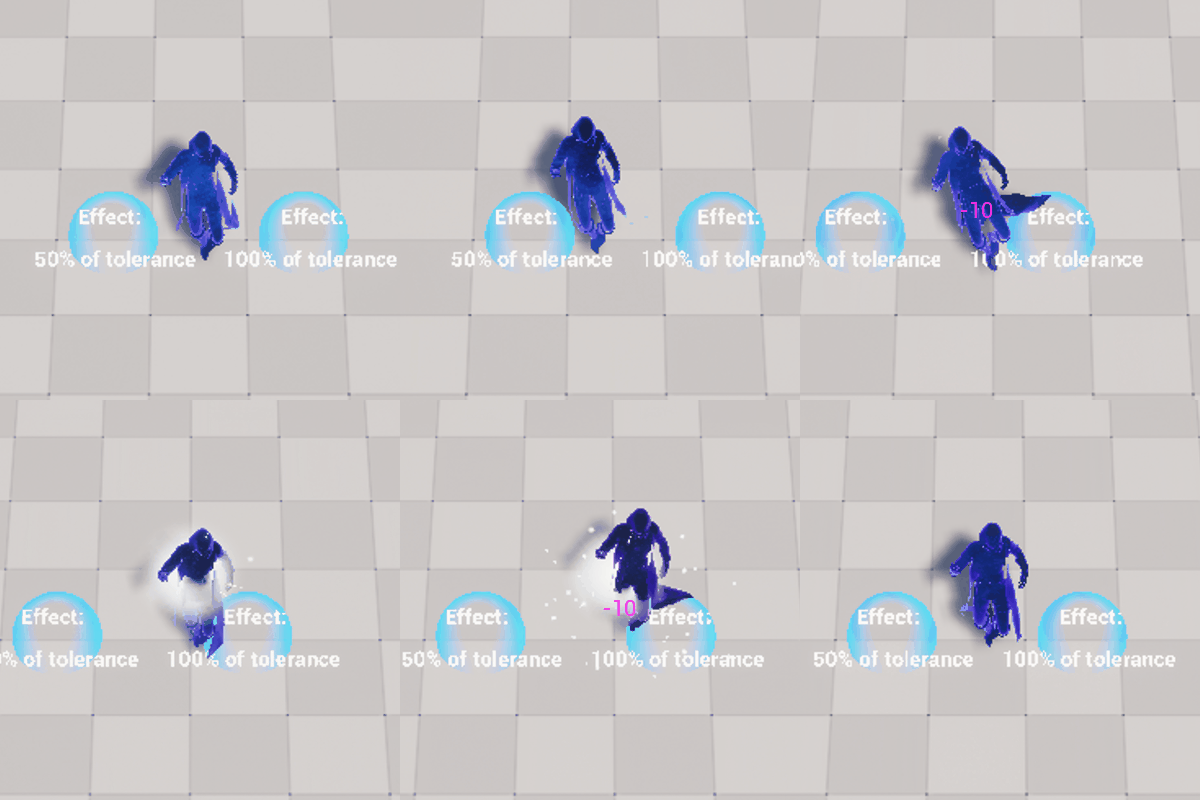
The lightning element has chance to shock (stun) an entity. The chance and length of this depends on the effect strength and on the targets tolerance. The length and chance of shock is also increased if there is a critical hit, if the entity is drenched in water or if a hit's effect is stronger then the entity's tolerance.
It also features and a higher default critical hit chance then other elements.
Update Lightning Specific:
Wind:
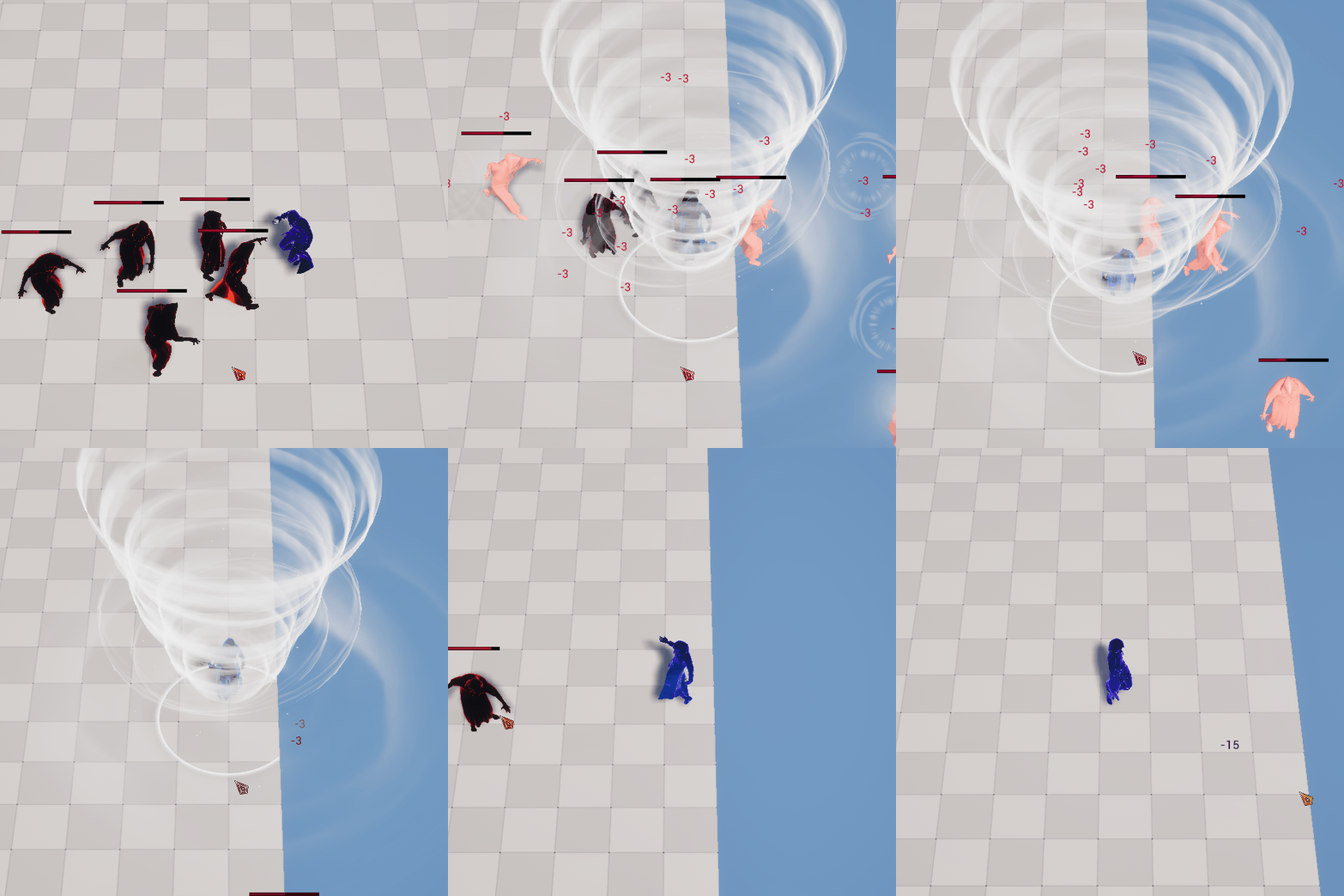
If an entity is hit with the wind element it receives a knock-back effect. The higher the element effect is the further the entity is launched. The direction is decided by the attack/ability.
This allows for enemies to be knocked off platforms and die, which was something a lot off players enjoyed.
Update Wind Specific:
Earth:
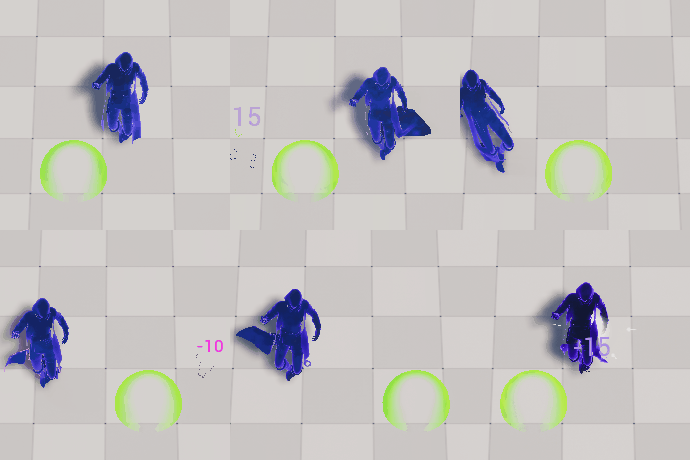
This element, is the same as the one for any physical damage and the attacks will have a staggering effect to enemies if the build up is maxed out. Build up effect is double from critical attacks. This build-up is invisible to the player.
The physical/stagger element is also used for enemies with physical attacks.
Update Earth/Physical/Stagger Specific:
Light:
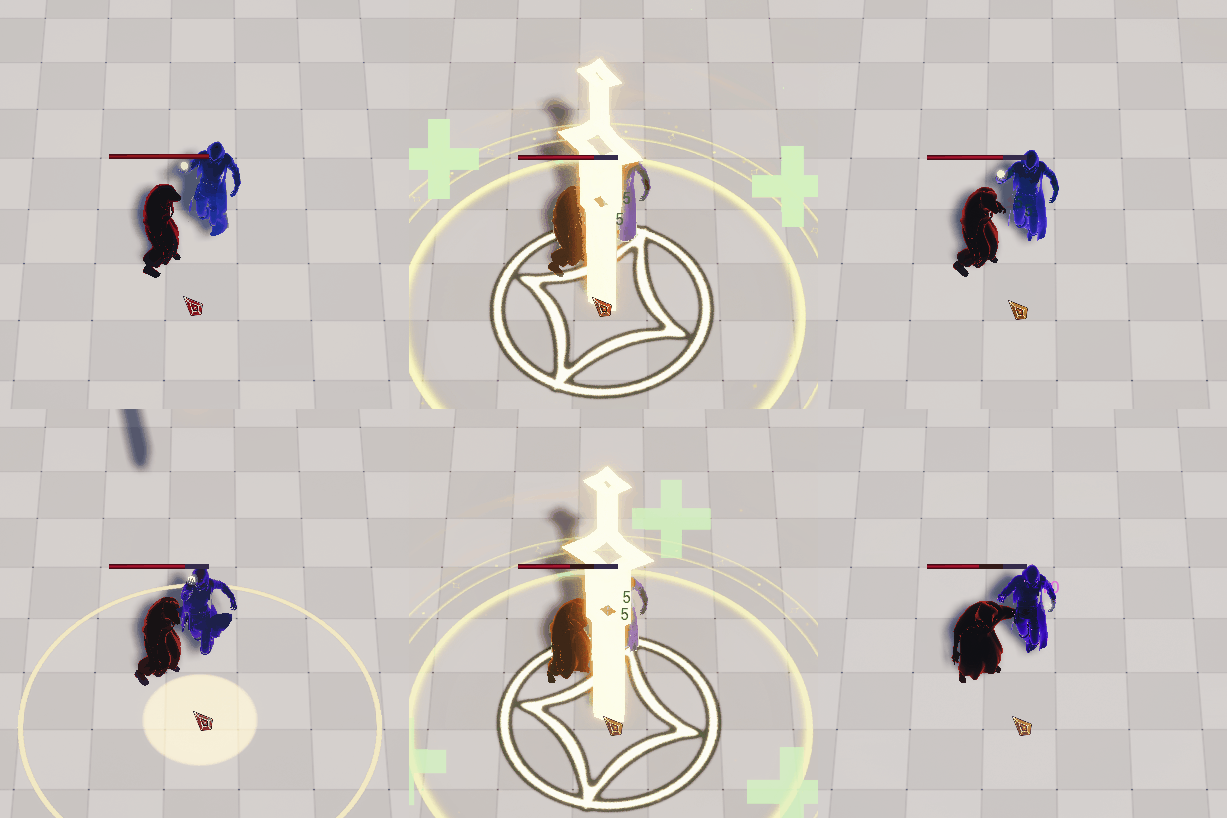
The light element features no critical hits and has a healing effect to players. It is currently not interacting with any other element.
The logic for this went into the abilities instead to allow for more customization.
Update Light Specific:
UI on Entities
Enemy Status Bars, Component and Widget:
The status bars for enemies consist of a health bar at the top and three element build up bars. Under the health bar, the build up bars with build up in them will always be at the top, but they never switch place otherwise.
The bars used in the vertical box are put in an array. Whenever a bar changes to or from the value zero, there are checks to see if the order needs to change. If change is needed, the elements switch index numbers accordingly and the vertical box is then emptied and refilled in the new order.
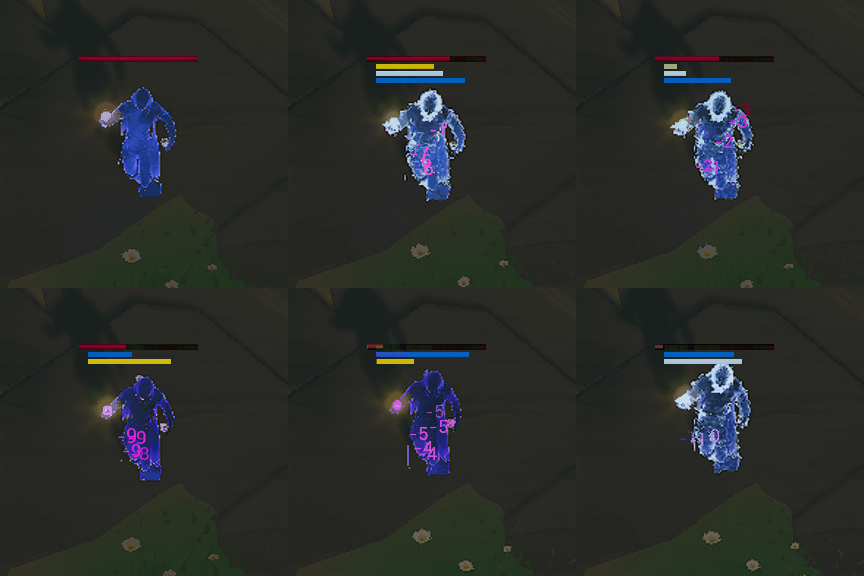
Enemy Status Bars Component
Event Graph:
Status Bars Widget
Change Status Bar Order:
Event Graph:
Update Element Bar (Ice):
Damage Numbers:
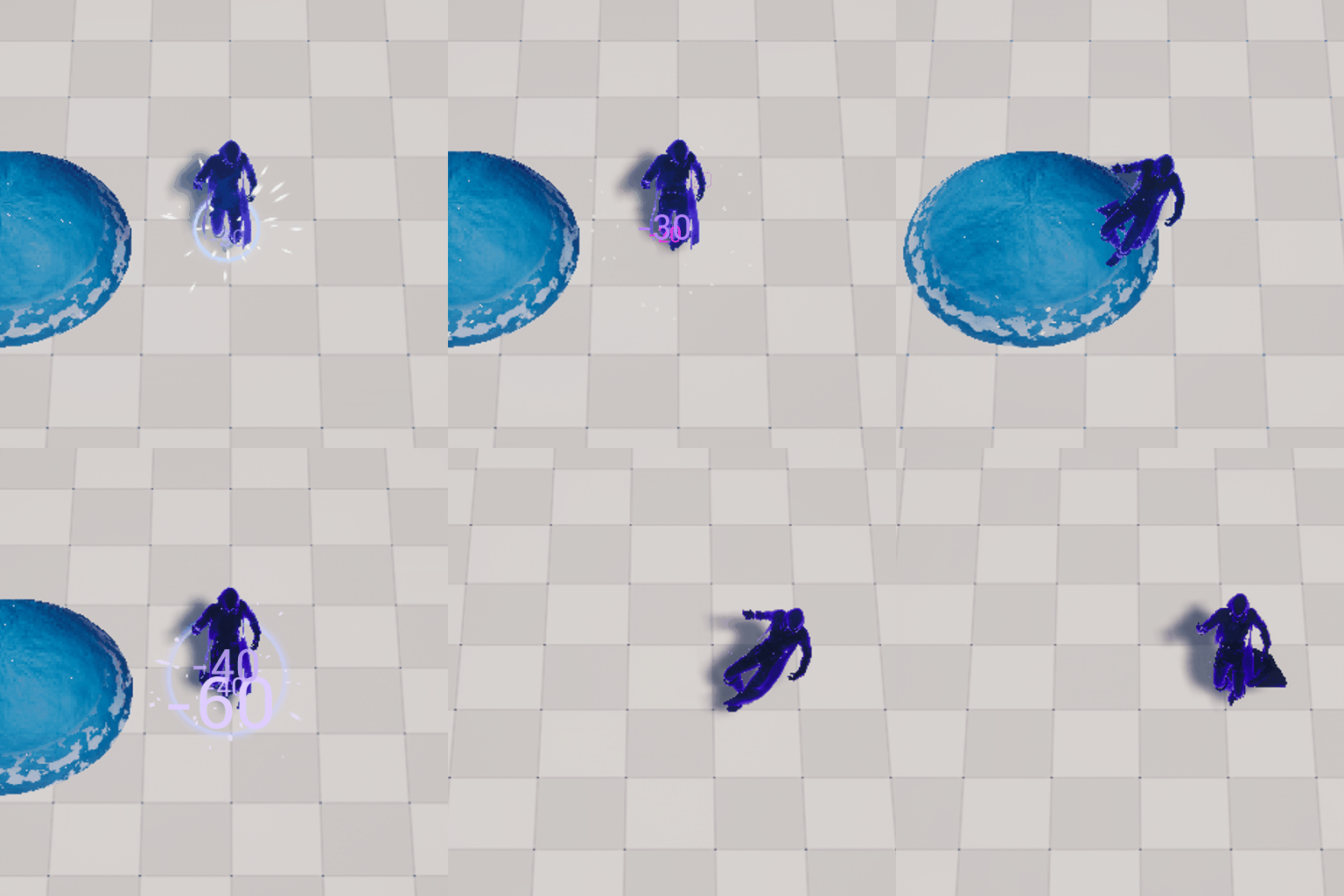
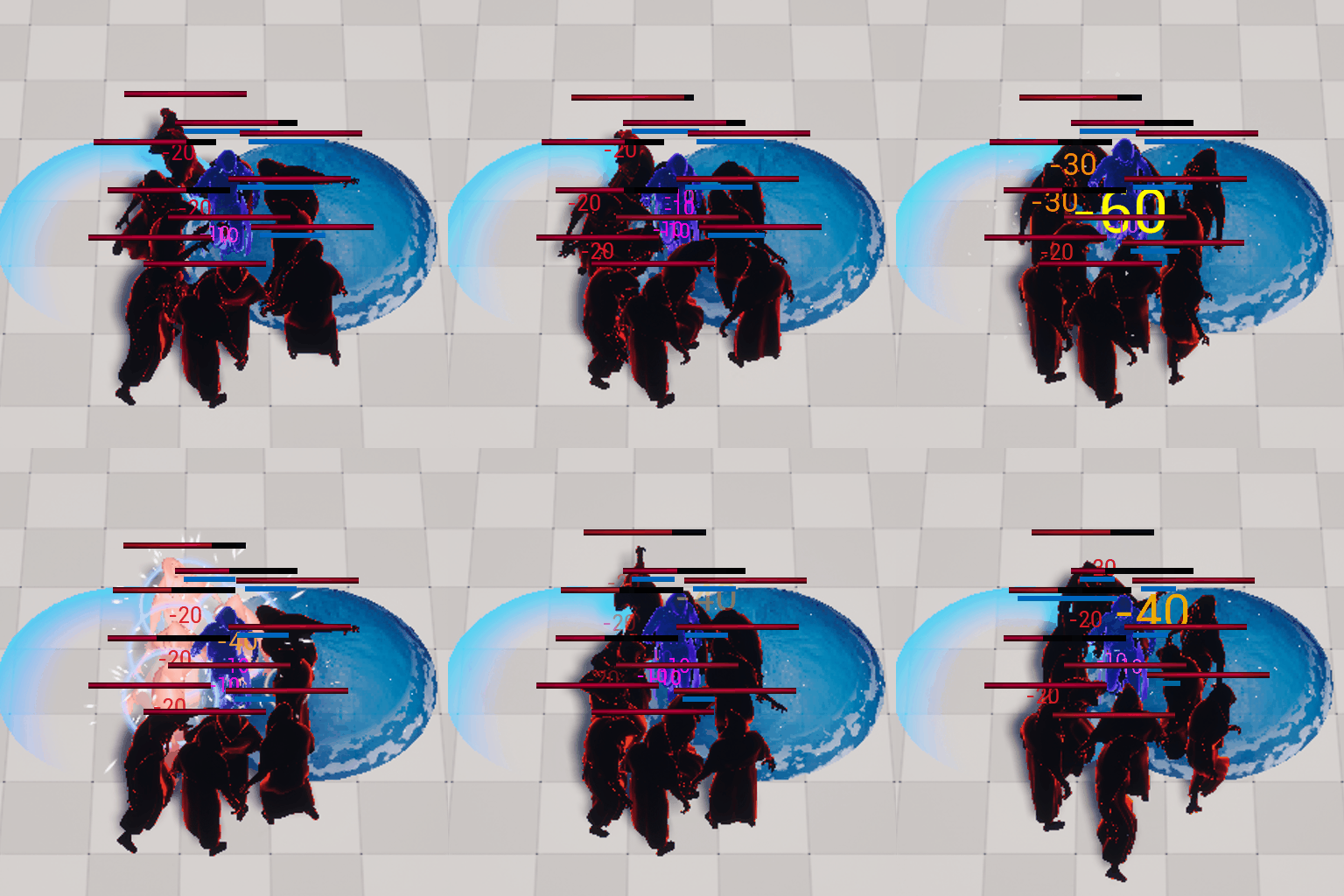
The Actor was started on, featuring only red numbers of the same size, before they became my responsibility.
The goal was to give the players better feedback. When an entity takes damage the color depends on whether is an enemy or a player, and then there are slight changes for any modifiers to the damage. The color turn green if it heals the entity.
The size also varies depending on how much damage is dealt and increases more if there are bonus damage modifiers attached. The thought was to give the player an understanding of what the numbers reflected and provide more satisfaction when critical hits or interactions between elements happened.
Damage Numbers: EventGraph
Management
Lead Tech:
We decided to not have any lead roles on paper, but similar responsibilities were still put on members suited to them. My responsibility was to help out with blueprints, workflow and structure as well as communicate with programmers. We aimed to learn from each other and help each other grow.
Data Organization:

We aimed for structure in this project. To achieve that we used a document with the data structure used in my previous group project, Røsvik, as a base and updated it.
Everyone read through the document and together we made changes to it to suit our needs. By involving everyone in the process we hoped it would become more natural to follow the structure. The responsibility to make sure the document was followed fell on me.
Perforce Responsible:
We were only two who felt more confident in our knowledge of perforce and the other one was our unofficial lead programmer. The main responsibility fell on me with the lead programmer as backup (as he was main responsible for multiplayer replication as well).