
Sebastian Wallin
SYSTEMS & TECH
GAME DESIGNER
Work in progress...


2025

3 weeks

4 members


Responsibilities & Roles:
Systems and visual scripting:
I was responsible for traps and things that could trigger them, the health system, the UI scripts, among other things.
Level Design:
Responsible for making modular building pieces that could be used in our levels and the final boss arena.

The Project:
Solemn Golem is a boss fight for a goofy Indiana Jones / Tomb Raider inspired action adventure, of a hypothetical game.
You play as two adrenaline junkie thieves for hire that are on a job to acquire a sacred artifact from a temple. This temple happens to be riddled with traps and has a mystical being guarding its inner sanctum.
Avoid traps, save each other from distress and co-operate to take down the guardian golem of the temple in this action packed adventure.
The Theme:
The theme/challenge for this project was to prototype a boss fight for a hypothetical game. We needed to select a boss archetype and have at least 2 phases with clear differences.
Click here to read more...
Click to hide ↓
Genres:
Our initial concept could have fit into four genres from the list:
-
Combat
-
Survival
-
Puzzles
-
Management
And while our priorities changed back and forth regarding those, our final product still have elements from all four of them.
Target Experience:
We asked everyone in the group what target experiences they were interested in making and emergent gameplay was the one everyone had in common
Target Audeince:
Age Range:
14-35 years of age
Gender:
Male and Female
Region:
Mostly Western
Platform:
Console and PC
Player Identity:
Intermediate to advanced players, who likes to spend their free time playing games to take a mental break from the real world.
Motivations:
Escape from boredom, immersion into a new world,
exploration and discovery from solving puzzles and progressing in the world.
Boss Fight Prototype: Solemn Golem
Summary of Contributions:
Traps & Triggers
To make the traps easy to use I made an interface with the trigger function, and customizable button and timer actors. To see what was connected to what, I made an editor actor that would draw a line between the button or timer and all the traps connected to them.
All traps come with an optional delay variable for possible patterns and variations. A hit player will take damage and receive a feedback effect.

Button - Event Graph:
Trap Timer - Event Graph:
Giant Ball Trap:

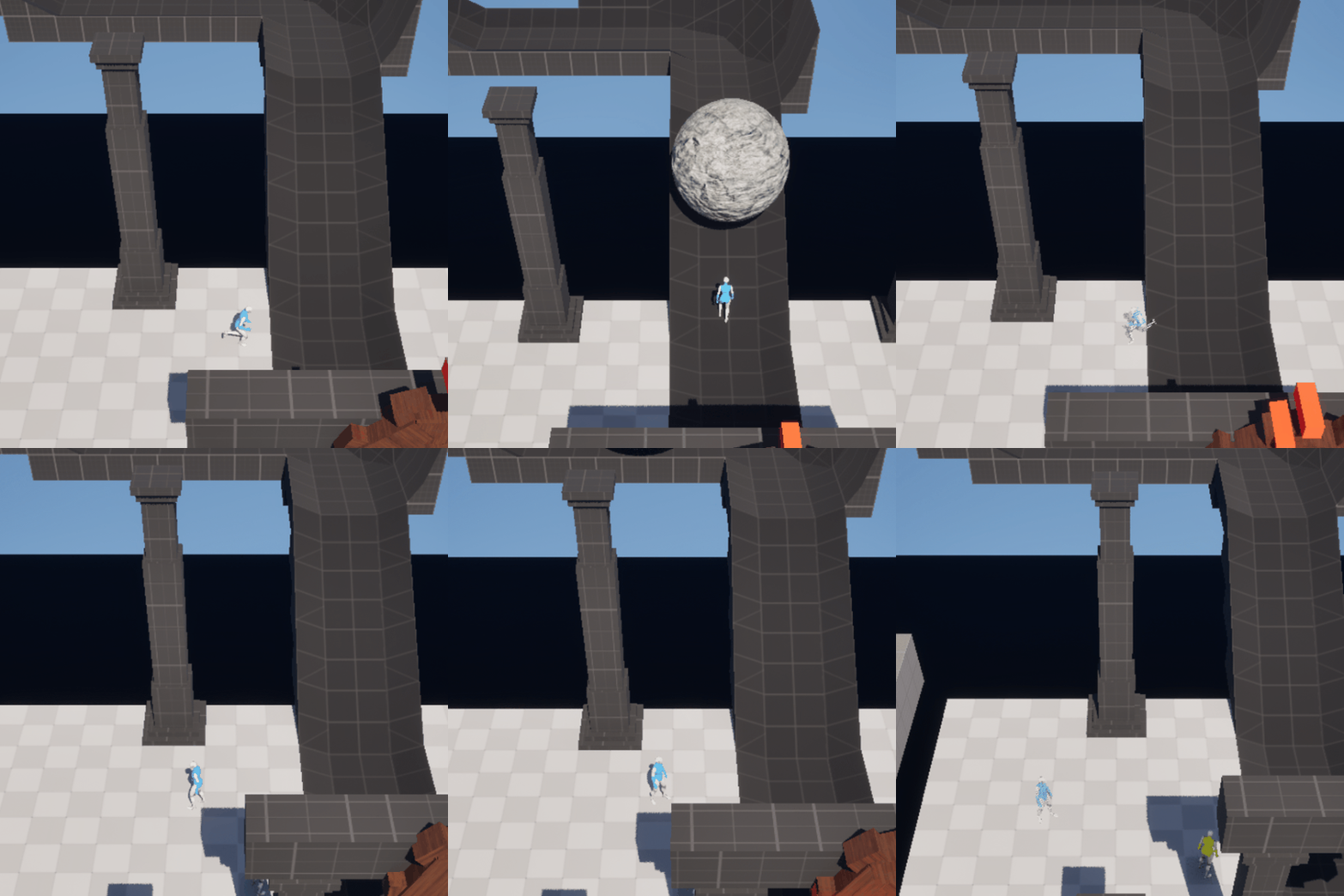
The ball is spawned inside a big building piece and then follows a path set by a spline. The ball itself is a mesh component that is reused by the trap.
If a player is hit by the ball they will either be flattened or knocked back depending on if they are below the mid point of the ball or not.
Click here to show first prototype...
Click to hide ↓
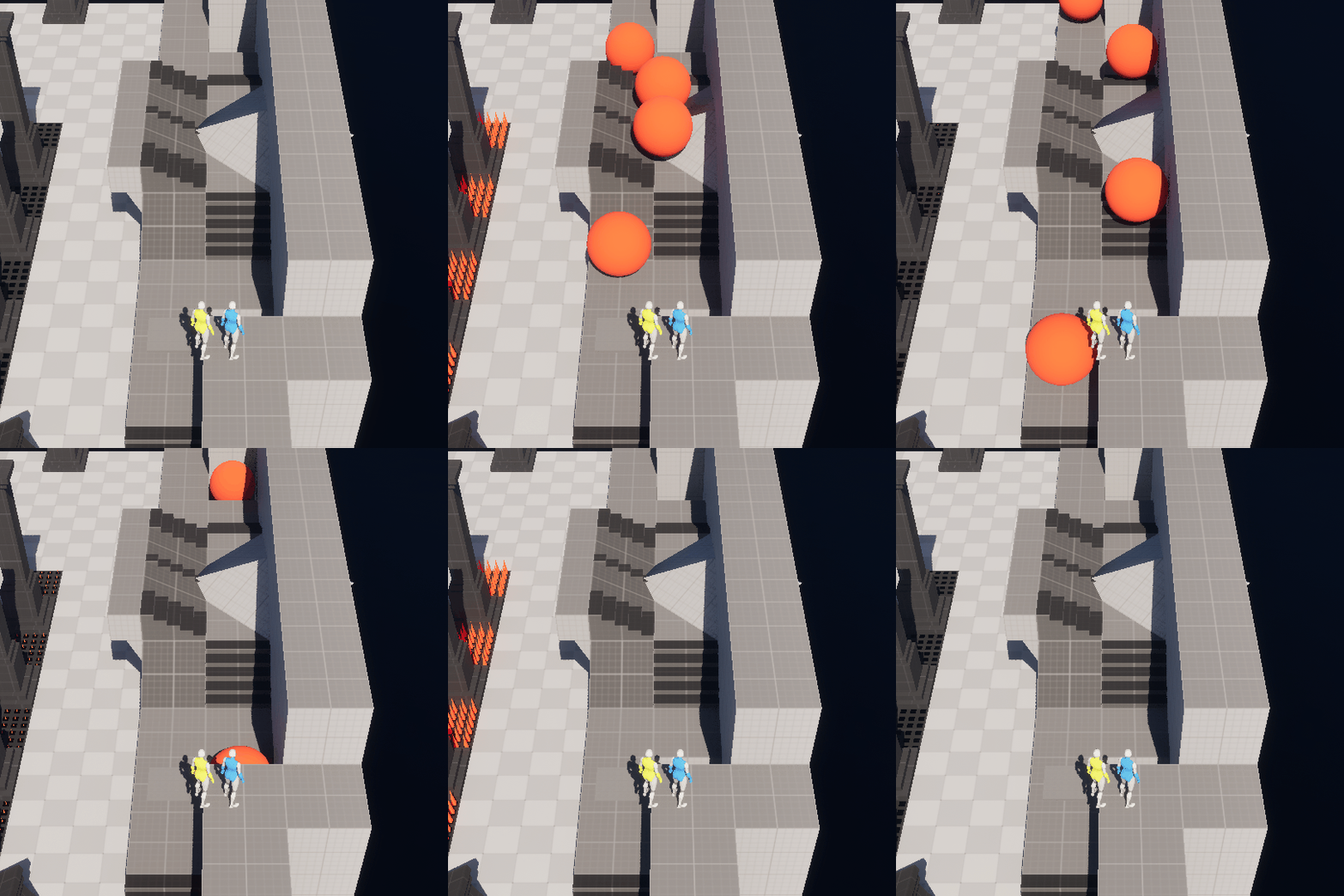
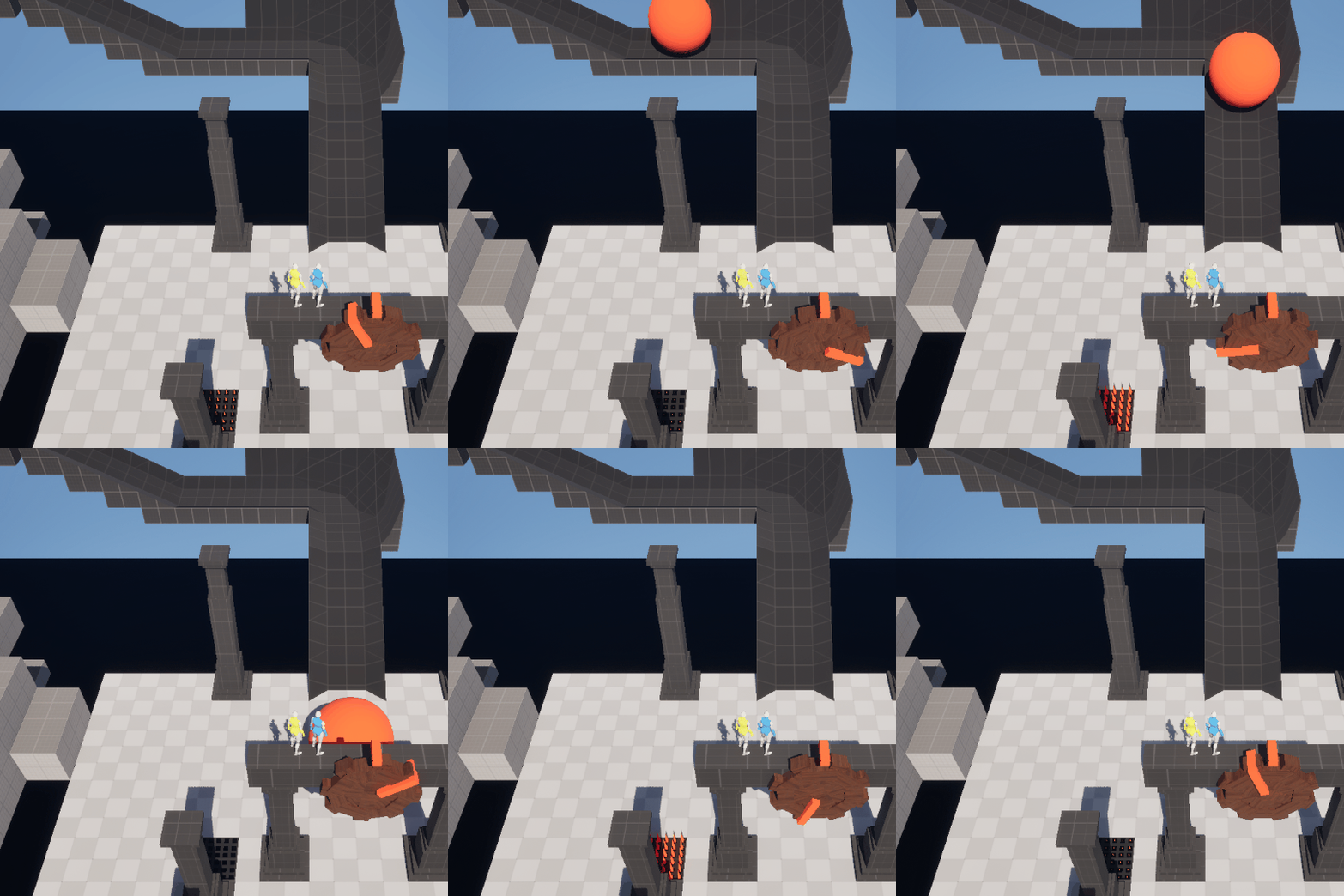
When prototyping, I wanted to quickly see how a giant ball would work in the game and used a simple sphere with physics. From that you could get a feeling for it, but it was very unreliable and would rarely follow the same path 2 times in a row, even with a strait line of tracks. Fixed movement along a spline solved all that and also allowed higher speeds.
First prototype, tried in different sizes and ways:
Giant Ball Trap - Event Graph:
Wheel Trap:

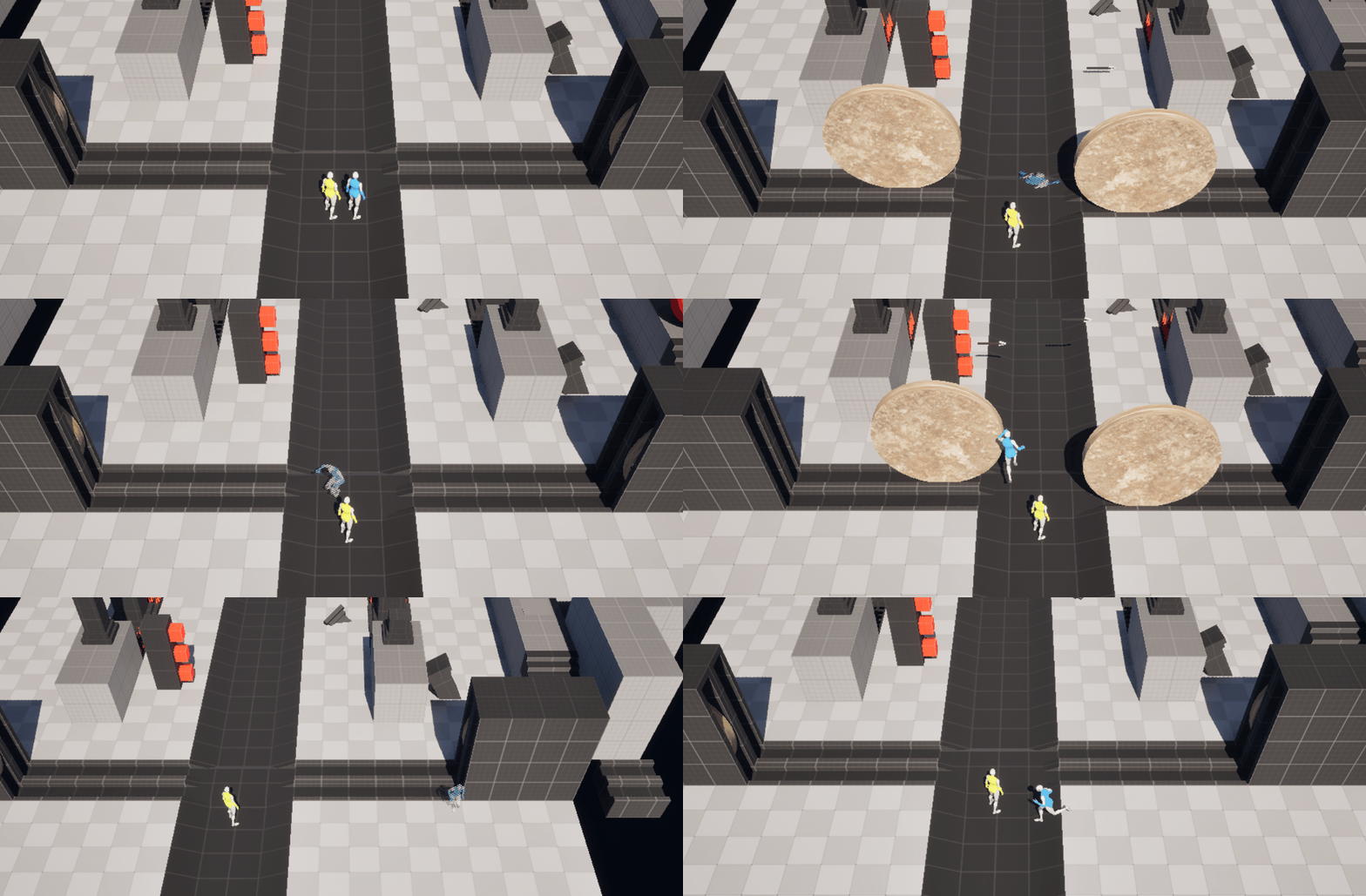
Much similar to the Giant Ball Trap, the Wheel Trap move and flatten, or knock back the players on overlap.
However it works differently, moving back an forth between a start point and an end point. Both points are components of the actor, that are housing the wheel when it isn't active.
We put them in pairs to threaten the player from both sides at the same time.
Wheel Trap - Event Graph
Spike Trap:
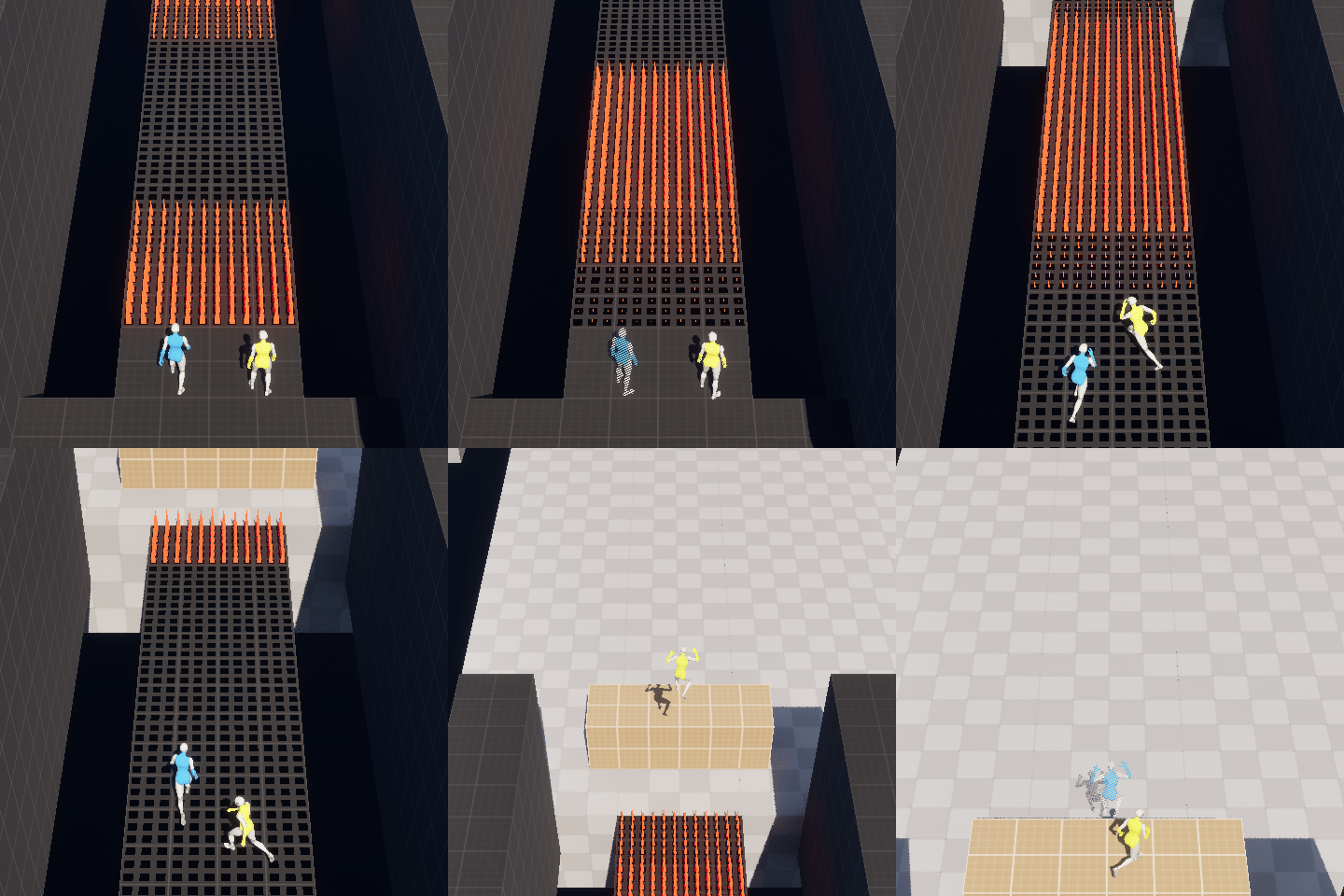
When activated the trap's spikes move up and stay for a few seconds.
The trap damages on overlap. Players are knocked back as well. The knockback direction depends on the rotation of the traps. They can be set to knock back in 2 directions as well, if that is better suited to the area.
Spike Trap - Event Graph:
Arrow Trap:
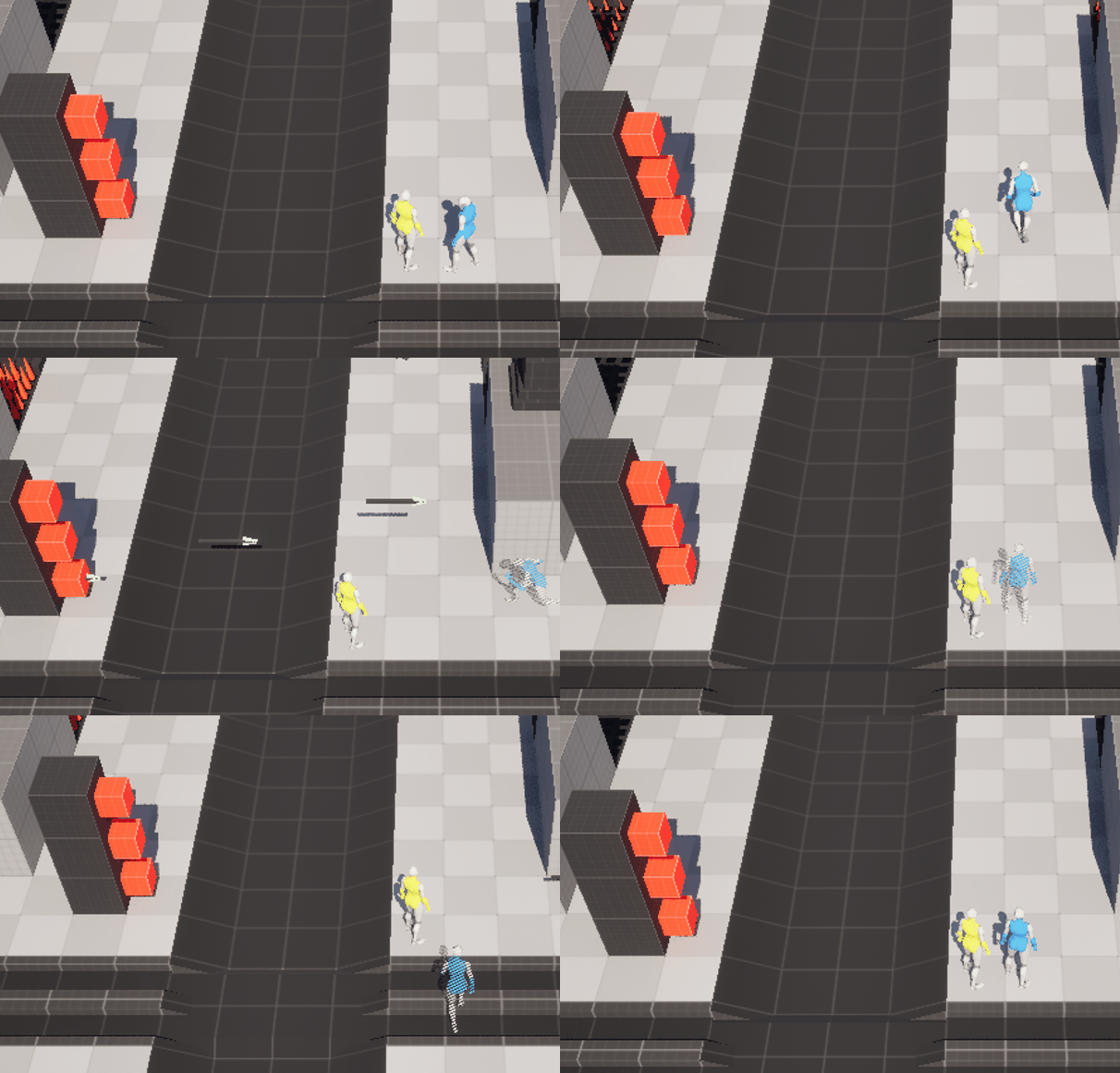
The Arrow Trap fires 3 projectiles after one another. The delay variable can be used for interesting patterns if more then one trap is put together. →
If hit by an arrow the player receives damage and a knockback effect.
The golem is not hurt by this trap unlike the others. The idea was to have the arrows bounce off, but we never had time to implement that feedback.
Arrow Trap - Event Graph:
Kill Floor
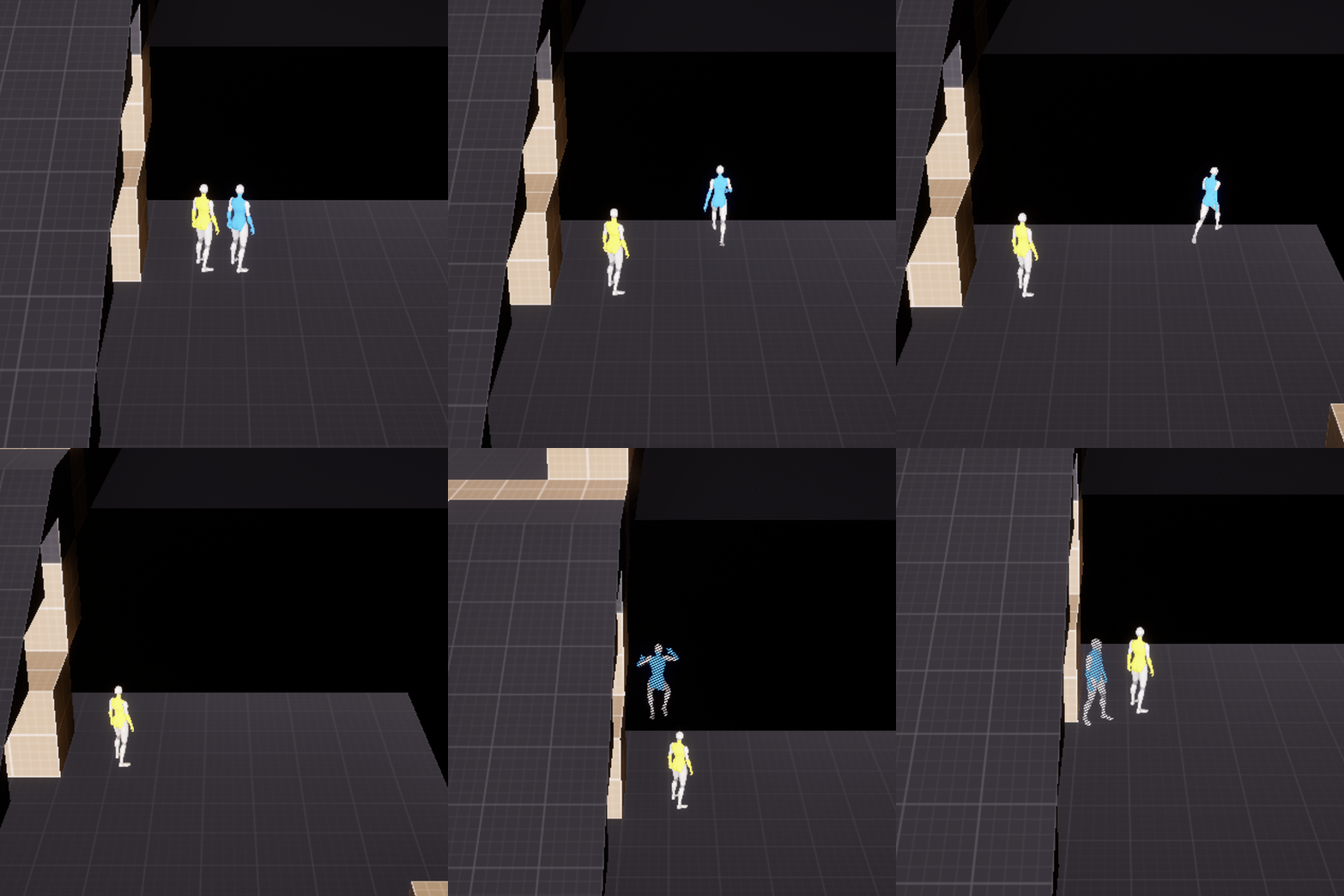
The kill floor was made to prevent the players from being locked if they fall out of the level. In the beginning the player characters died instantly from this, but we realized that was too harsh and not fun.
It deals damage to a player and teleports them to the other player. (Not a perfect solution, but good enough for a prototype.)
Kill Floor - On Overlap
Health System
To make the health system easy to use, I made a general function library that covered most of the use cases. The health component has event dispatchers to update relevant behaviors and UI.
The Function Library:
The function library consists of 4 functions:
-
Damage Actor
-
Heal Actor
-
Kill Actor
-
Revive Actor
The Health Component:
The health component keeps track of health and contains functions to Alter Health, Deplete Health, Revive Health, Activate Invulnerability, as well as get and set functions.
Player Character - Health Implementation:
Health Component - Alter Health:
Health Component - Revive Health:
Health Component - Activate Invulnerability:
UI
Health Bars:
Since the players only have 3 health in our game we thought the best way to show it was with classic hearts. For the boss I used golem heads instead.
To make sure we could tell the players, as well as their respective health-bars, apart, I used colors. With red/green as the most common color-blindness I picked blue and yellow.

Main Menu:
Pause Menu:
Options Menu:
Level Design
Boss Arena:
The responsibility for making the arena level became mine, less then 2 days before the deadline.
During the project I had gotten a good feeling for the building pieces and traps as I made and tested them all thoroughly.
The arena was designed to include all trap types while promoting teamwork. Trap buttons are placed away from the traps, requiring one player to act as bait while the other activates them. The Boss can also trigger the buttons, adding chaos to the fight.


The Process 1/11

Grapple Blocks
First iterations


Me and the one responsible for the boss, play-tested the early iterations together, in order to find bugs with the boss itself, and its interactions with the arena.
At this stage, the focus was on testing the boss' movement. The golem sometimes got stuck on stair corners, when trying to switch to another set of stairs in a different direction.

The Process 2/11
Grapple Blocks
Walls and Major Traps Placed

I placed the traps intended for the players to use against the golem and spread out the buttons. I had tested to place blocks you could grapple on top of the wheel traps, for players to easily cross from one side to the other, but the Golem would climb them and get stuck, or destroy them and spasm out on the rubble.
I put all building blocks, in the hierarchy, in folders depending on what they belonged to (ex: "left wall"). That way I could easy select everything belonging to a specific part of the level and move it.

The Process 3/11
Grapple Blocks
Arrow Traps and Planning
Implemented a lot of arrow traps and moved the left wall back to make room for the grapple-hookable blocks. As they were supposed to represent clusters of tree roots, I thought it would be nice if they stuck out a bit from the wall. We decided to turn off the golem's ability to destroy certain blocks and enabled him to trigger the traps.
Testing this we realized the button placement felt bad as it was hard to find the right button for most of the traps and both the player and the golem could suicide in the middle.

The Process 4/11
Grapple Blocks
Grappling... And Climbing?!
I put out some spots for grappling to make it possible to get away from the golem a bit easier. The problem with these blocks was that the golem started climbing them in charge attacks and could leave the level entirely.
I tried a new layout for the trap buttons, but testing was hard with the golem climbing everything.

The Process 5/11
Grapple Blocks
New Button Placements
I removed the buttons in the middle and pulled in the grapple areas against the wall, and could finally test the new button placements. It was much better, but I got feedback from playtesters that they wanted more grappling points and that it was hard to know which button did what. They expressed that it was too hard to get away and survive.

The Process 6/11
Grapple Blocks
More Grappling & Color Coding
I increased the amount of grapple blocks and color coded the buttons and traps that the player needed to hurt the golem (Unfortunately I realized after the project that the color chosen for the spike trap did not look as clear on some other screens as it did on mine at the school...). The golem climbed up to the side-paths a lot when testing, instead of going around as intended. This made it hard for us to get feedback on the topics we wanted.

The Process 7/11
Grapple Blocks
Testing Again
The grapple blocks were pushed into the walls to prevent the golem from climbing and more of them were added around the arena. The follow cameras used in the other levels didn't work well for this one, so I made a static one.
The feedback now was that the arrow traps were too punishing and too hard to avoid, especially at the top of the level.

The Process 8/11
Grapple Blocks
Less Arrow Traps
The placement, angle and field of view of the camera was improved and the amount of arrow traps was reduced. The stairs were changed, both in order to make more sense and to be able to add another button triggering the wheel trap.
At this point playtesters expressed that it was too hard to notice the arrow trap buttons, but the button placement for the other traps felt much better.

The Process 9/11
Grapple Blocks
Arrow Buttons Red
The button color for the arrow traps was changed to red make them more visible, but new players still had a hard time realizing what they triggered.
Some complained that it was still hard to aim correctly and hit the grappling areas, especially when fleeing from the boss.

The Process 10/11
Grapple Blocks
Grapple All
All walls were changed to grapple blocks (within reasonable heights) and red lines were added between the arrow buttons and the arrow traps. I also made an attempt to make it easier for players to identify which buttons triggered the spikes and giant balls.
The idea from the start was for the grapple blocks to represent roots, but it felt more important to make the gameplay more fun for the players. The level could still use another wheel trap button in the top left corner and other small changes.

The Process 11/11
Grapple Blocks
Last Iteration (for now)
A wheel trap button was added to the top left stairs and modified grappling blocks were put on the wheel trap start and end hubs.
The arrow traps and their buttons could probably be placed better in some way. I may want to improve the placement of the wheel trap button to the top left side, but for that I may need to extend the size of the level a bit, either 2 m extra width or 2 m extra depth.
Building Blocks:
I made many building blocks and pieces intended to fit together seamlessly to make the level design job much easier and more coherent. I used several different materials to make our levels easier to understand for the player.
Not all types of building blocks are used in my level, mainly because the level is small and cant fit too many different things, but also because the golem could climb pillars and anything sticking out. I also didn't want to block the view for the players.
The big variation in pieces allowed me to test many possibilities in a short time (after they where made...).
Regular Building Blocks:

Stairs:

Trap Tracks:

Pillars: (also come in a light gray breakable version, that our level designer for the other levels made)

Ramps:

:

T
D
:
:
I
:
E
T
:
:
T
Update Light Specific:
Management:
Lead Tech:
We decided not to have lead roles on paper for the designers, but we each had an area we were main responsible for, mine was tech. My responsibility was to communicate with programmers and make sure the game was playable as soon as possible. As we had better preparation for Unreal and visual scripting then the programmers, I did my best to help out when needed.
Data Organization:

To make sure were on the same page with naming conventions and folder structure me and one of the programmers made a document that contained common and made changes to it to suit our needs.